Download Rental Application Below
 PDF
PDF
- Click the download link for the PDF file.
- Open the PDF after it downloads.
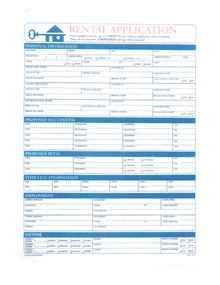
- Page 1 contains the first rental application form.
- Page 2 contains the second rental application form.
-
To save or print individual pages:
- Open the PDF in Adobe Reader, Chrome, or your browser PDF viewer.
-
Click the printer icon or press:
- Windows: Ctrl + P
- Mac: Command + P
-
Under “Pages,” choose:
- 1 for Page 1 only
- 2 for Page 2 only
-
Click:
- Print to print the selected page
- or Save as PDF to save only that page as a separate file.
Download "Rental Application pg 1 and pg2"